SendGrid and Workflow
Introduction
In this chapter we will look at how we can use your SendGrid integration (created in the previous chapter) inside Workflow to automate the sending of emails.
Initail Setup
To get started, first navigate to and create a new Workflow process.
Navigate to workflow:

Next, either open and exsisting, or create a new Workflow process:
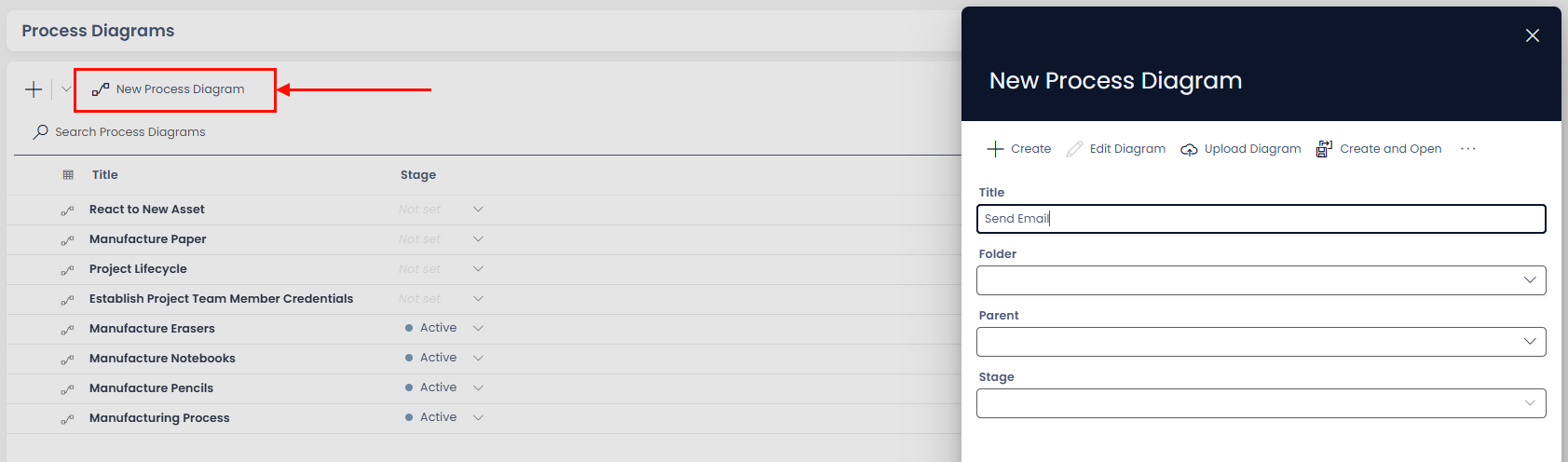
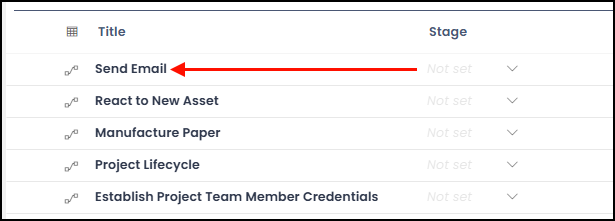
Click 'New Process Diagram', then fill in the relevent information. At minimum you will require a title. Finally, click create and you will see your new Diagram at the top of the list.
Click the title of your new Diagram to open:
Sending a static email
TODO
Sending a Dynamic email
TODO